Voice recording guide

Remove echo from audio without losing the voice

Room reflections can make speech sound distant even when every word is audible. This guide helps you identify the problem, try a careful cleanup, and judge whether rerecording would work better.

Check the available tools first
Audiocleaner landing-page visual

Prerequisites

Keep the original file and listen through headphones before changing anything. First decide whether you hear reflections, steady noise, or both.

Remote interviewer

A guest sounds hollow because their microphone was across the room.

Keep an untouched copy so you can compare speech clarity after any processing. For traffic or fan sound beneath the voice, see the separate guide.

audio cleaner for background noise

Lesson creator

A classroom recording has reflections after words and an electrical hum throughout.

Treat the two problems separately; a setting intended for room reflections may not address a continuous hum.

remove buzzing from audio

Podcast editor

A spoken intro sounds roomy, while occasional crackles interrupt consonants.

Identify the crackles before judging the room sound, since those defects call for different edits.

remove static from audio

What to listen for

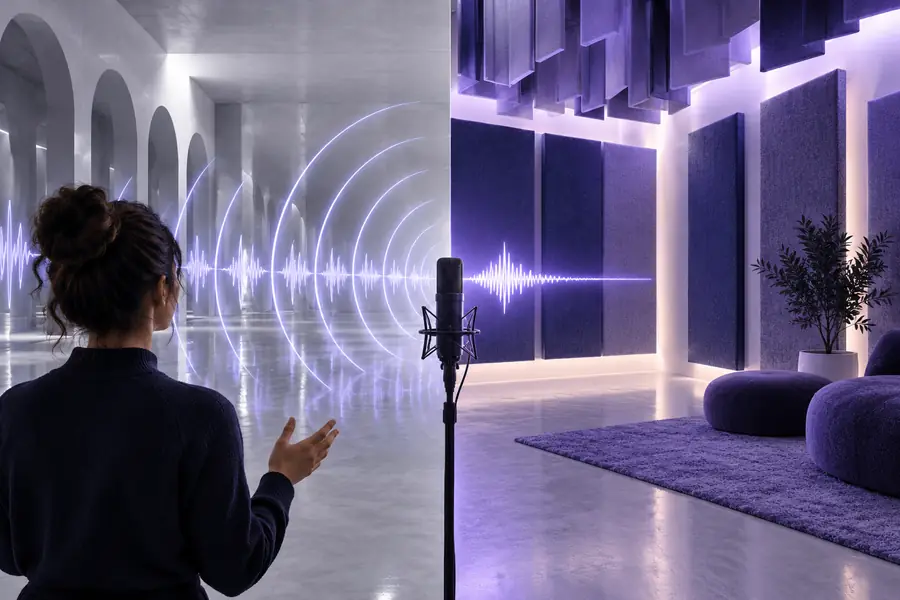
Roomy recording

Person speaking in a reflective indoor space
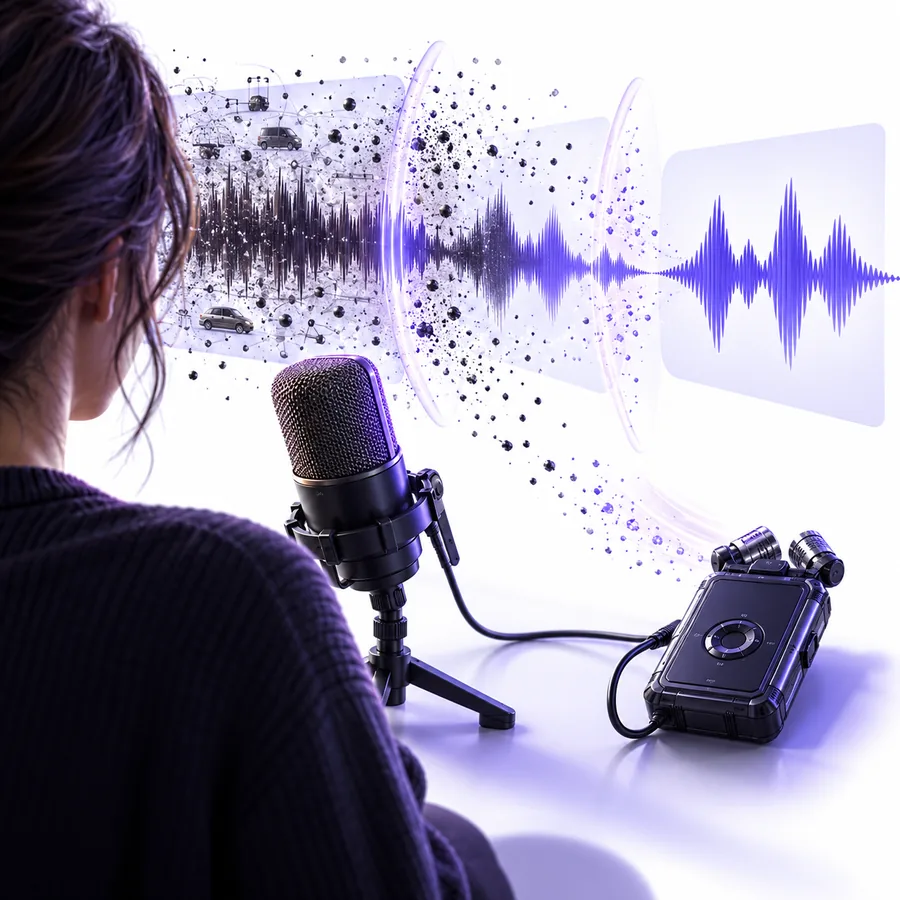
Illustration representing a clearer spoken recording
Clarity goal

These images illustrate the listening goal, not a verified before-and-after result. Compare your own original and edited clips to assess any change.

One full run-through

Test one short passage before committing to the entire recording.

Choose a revealing excerpt

Pick a sentence followed by a pause. The pause makes lingering room sound easier to hear; include a few quiet consonants so you can check whether speech survives.

Try a conservative pass

Open an audio cleaner or editing tool that offers suitable voice processing. If it provides an intensity control, begin gently rather than assuming the strongest setting will sound best.

Match levels and compare

Listen to the original and processed excerpts at similar volume. Check the ends of words, pauses, and changes in vocal tone before applying the same approach to the full file.

Options table

The right choice depends on how much of the direct voice survived the room recording.

Processing the existing file Recording again
1

Best starting point

Processing the existing file

The words are clear, but the room adds a mild tail.

Recording again

The voice is faint, distant, or hard to understand.

2

Source material

Processing the existing file

Works with the recording already captured.

Recording again

Requires access to the speaker and location.

3

Room reflections

Processing the existing file

May reduce their prominence, depending on the recording and tool.

Recording again

Can prevent many reflections by moving the microphone closer.

4

Voice texture

Processing the existing file

Heavy processing can make speech sound thin or artificial.

Recording again

A better microphone position preserves a more natural direct voice.

5

Editorial effort

Processing the existing file

Needs listening checks across the entire clip.

Recording again

Needs a fresh take and any associated edits.

6

Irreplaceable speech

Processing the existing file

The practical option when the moment cannot be repeated.

Recording again

Not possible for a one-time interview or event.

What fails

An audio cleaner cannot reconstruct speech that the microphone never captured clearly.

Very distant voices

When reflections are nearly as loud as the speaker, reducing them may also damage the voice.

WorkaroundFor future takes, move the microphone closer and add soft furnishings to the room.

Long, overlapping reverberation

A long room tail can cover the next word, leaving little clean speech to preserve.

WorkaroundTest a short excerpt and accept a modest improvement rather than an aggressive, unnatural result.

Several speakers in one room

Reflections from overlapping voices are difficult to separate in a single mixed recording.

WorkaroundIf separate microphone tracks exist, assess each track before combining them.

Noise mistaken for reflections

Hiss, hum, and crackle do not behave like a repeated room sound.

WorkaroundIdentify each defect by listening to pauses and sustained sounds before choosing an edit.

Make the comparison meaningful

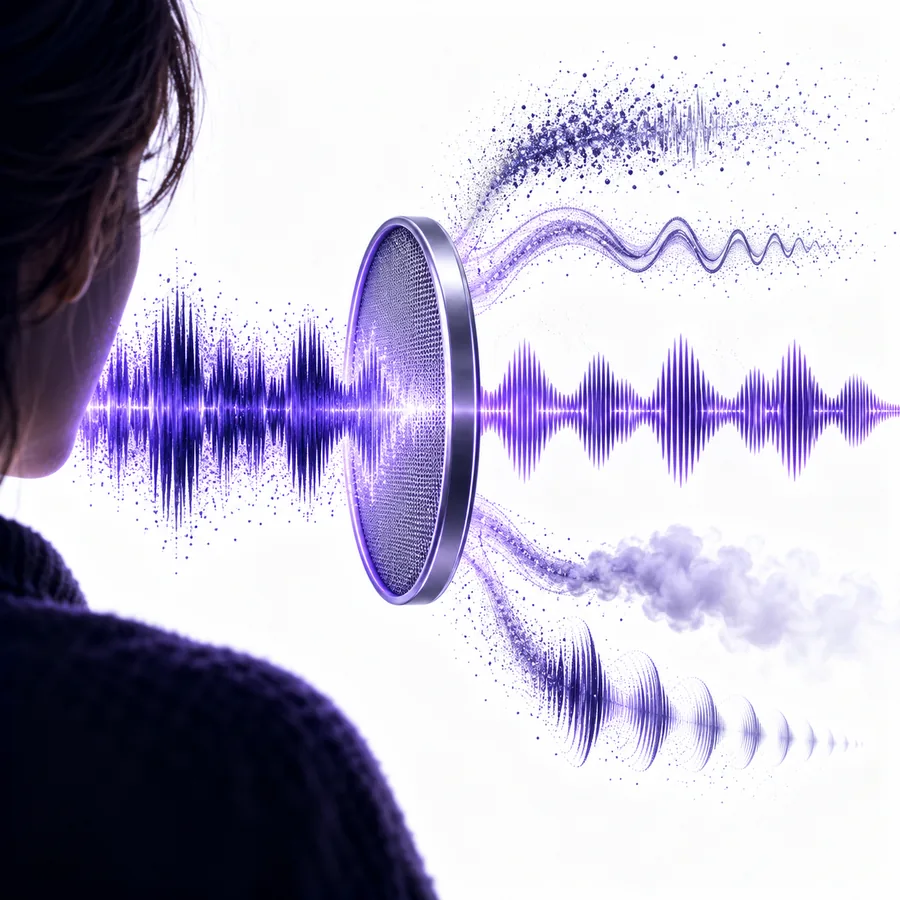
Audiocleaner feature illustration for reviewing a voice recording

01

Listen beyond the loudest words

A short audio cleaner preview can sound convincing during a loud sentence yet reveal artifacts at the end of a quiet one. Include pauses and soft speech in your test, then listen on the device your audience is likely to use.

  • Compare clips at similar playback volume.
  • Check whether final consonants remain distinct.
Audiocleaner feature illustration for preparing a recording

02

Fix the room before the next take

Even a useful edit cannot replace a strong direct recording. Shorten the distance between speaker and microphone, avoid bare reflective surfaces where possible, and record a brief test before delivering a full presentation.

  • Make a short test recording.
  • Keep the original take for comparison.

Give your voice recording a careful listen

Start with the recording you have

Explore the available voice tools, test a short excerpt, and keep the original beside it. Decide by listening whether processing helps enough or a new take is the better answer.

  • Test a short passage first
  • Keep an untouched original

FAQ

Sometimes a mild room sound can become less noticeable, but complete removal is not a reliable expectation. Strong reflections overlap the voice, so aggressive processing can affect speech as well.

Listen just after a word or clap for a brief repeat or lingering tail. A constant hum or hiss that continues through silence points to a different problem.

Start with a short passage that includes speech and a pause. Compare it with the original at a similar volume, then check several other passages before using the same approach throughout.

The processing may be affecting parts of the voice along with the room sound. If the tool offers adjustable strength, try a gentler setting and compare it with the untouched recording.

Rerecord when the speaker is distant, words are obscured, and another take is possible. Moving the microphone closer usually gives an audio cleaner better source material than trying to repair a heavily reverberant take.

Clean audio
Clean audio