Voice recording guide

An audio cleaner for background noise starts with listening

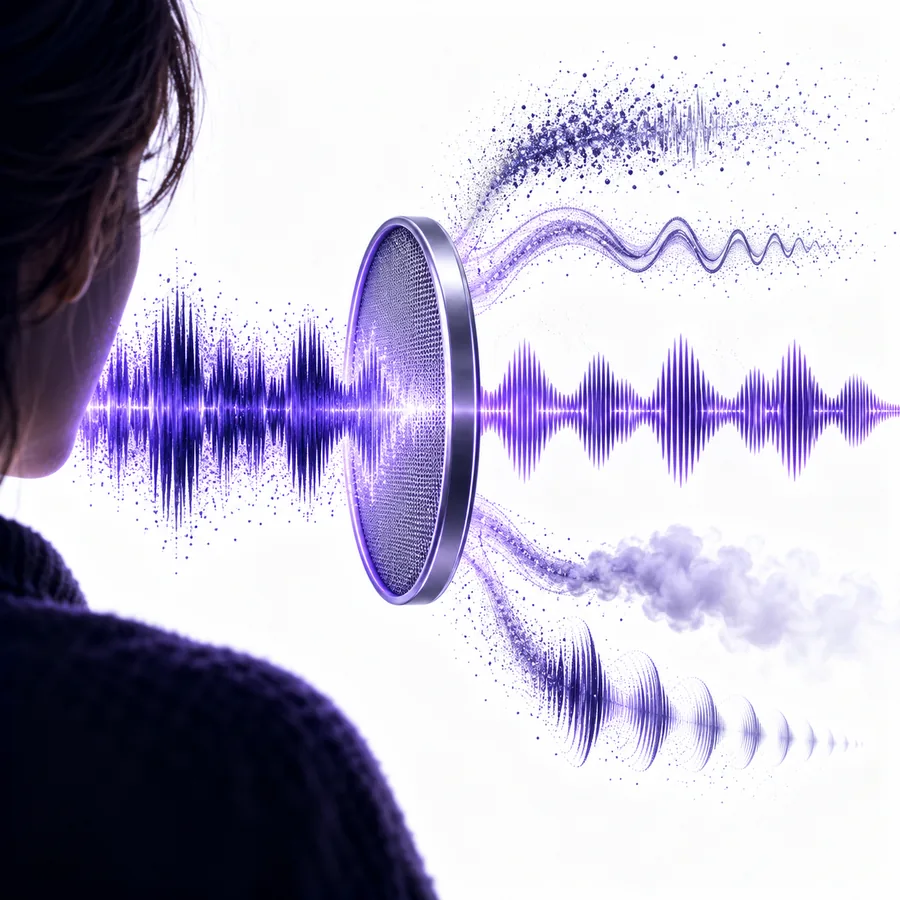
An audio cleaner for background noise is most useful when you can identify what competes with the speaker. Check the recording before processing it, then compare the result with the original rather than assuming every sound should disappear.

Review the result before sharing
Audiocleaner landing-page audio imagery

Background-noise cleanup vs a general audio pass

A general audio cleaner addresses overall clarity. Start here when a sound behind speech is the main problem; identify that sound before choosing a more specific approach.

Remote interviewer

A steady appliance hum sits beneath an otherwise clear answer. Note whether it persists during pauses as well as speech.

If it is a narrow, electrical-sounding tone rather than broad room noise, see the focused guide to

remove buzzing from audio

Course creator

Traffic outside the window distracts from a spoken lesson. Compare a quiet sentence and a louder one before judging the audio cleaner result.

If repeated reflections follow each word, use the separate guide to

remove echo from audio

Podcast host

A recording has low-level hiss throughout the conversation. Listen through headphones so the voice does not mask the problem.

If the interference sounds like crackle or digital specks, consult the guide to

remove static from audio

Field reporter

A crowd rises and falls behind an interviewee. Mark the worst interruption; a background-noise pass may help less there than during quieter gaps.

For a persistent tonal whine within that recording, revisit the focused guide to

remove buzzing from audio

Three checks specific to noise behind speech

Treat cleanup as a listening task, not a promise of silence. These checks help you decide whether an audio cleaner improved the recording.

Audio-focused feature scene illustrating a recording review

01

Name the competing sound

An audio cleaner for background noise needs a different listening test from one used to fix speech volume. Ask whether the distraction is continuous, such as a fan, or intermittent, such as passing traffic. Play a pause between sentences: it often reveals the sound more clearly than speech does.

  • Listen to speech and pauses
  • Note whether the noise changes over time
Audio-focused feature scene illustrating a voice clarity check

02

Protect intelligibility first

The goal is understandable speech, not an empty-looking waveform. After using an audio cleaner, replay consonants, quiet words and the ends of sentences. If they sound watery, clipped or less distinct, the attempted reduction may be too aggressive for this source.

  • Compare at the same playback volume
  • Keep the original for reference
Audio-focused feature scene illustrating a full-recording review

03

Judge the whole recording

A short quiet excerpt can make an audio cleaner seem more effective than it is. Check the loudest interruption and a typical spoken passage too. A result that works during pauses may still leave distracting background noise beneath softer words.

  • Sample more than one passage
  • Decide whether a retake would be clearer

How to start with a noisy recording

Keep a source copy

Save the original recording where you can find it. Listen once without changing anything and write down where the background noise is most distracting. An audio cleaner result is easier to assess when you have a reliable reference.

Try a voice-focused pass

Open the linked tool and check its current input options. Use the source recording if its format is accepted; describe the distracting sound if the interface asks for guidance. Avoid assuming a control or export format is available until you see it.

Compare and decide

Play the original and processed versions at similar volume, including a quiet sentence and the noisiest moment. Keep the version with more intelligible speech. If both versions obscure important words, consider a new recording instead.

Where cleanup reaches its limits

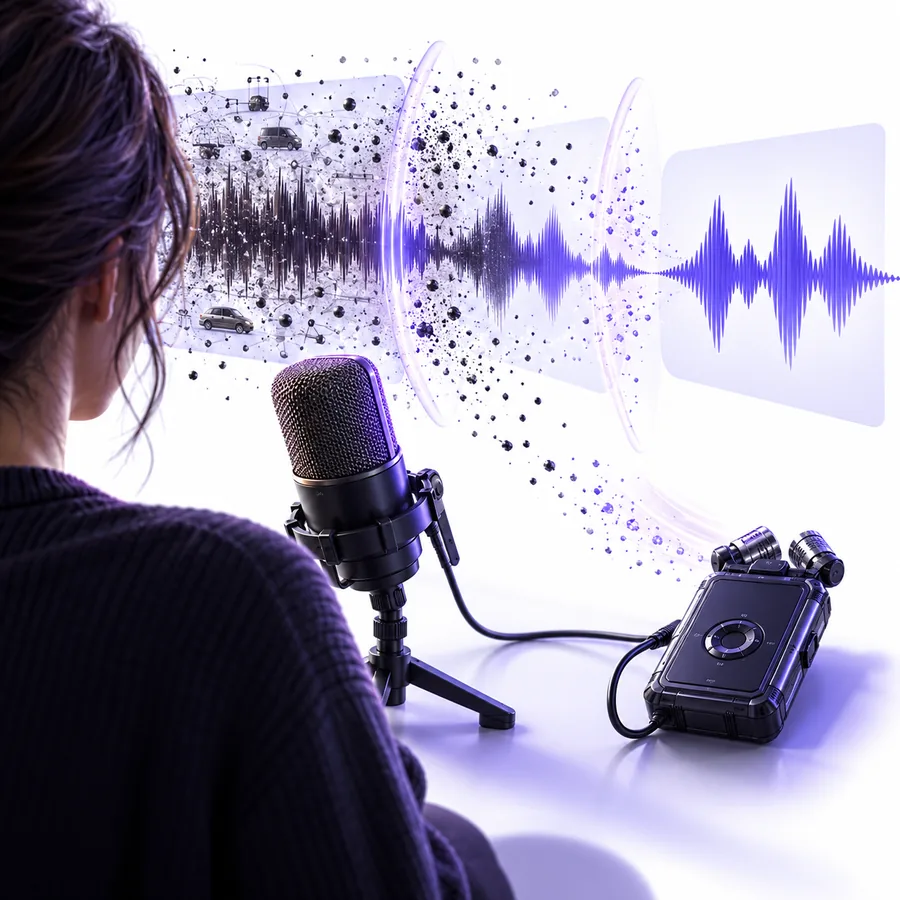
No audio cleaner can restore speech that the recording never captured clearly.

A competing voice overlaps the speaker

Another person speaking at the same time occupies much of the same range as the wanted voice. Suppression can damage both.

WorkaroundUse a closer microphone or move the conversation away from other speakers for a retake.

Noise is louder than quiet words

When traffic or an appliance overwhelms a soft phrase, an audio cleaner may reduce the distraction without making the words recoverable.

WorkaroundRerecord the affected sentence if accuracy matters.

The source is clipped or distorted

Background noise reduction is not a repair for overloaded microphone input. Flattened peaks can remain harsh after cleanup.

WorkaroundLower the recording level and make a short test recording before another take.

The noise changes constantly

Wind, handling sounds and sudden impacts are harder to treat consistently than a steady hum.

WorkaroundReview each affected passage separately, or prevent the sound with a sheltered microphone position.

What to compare before keeping a result

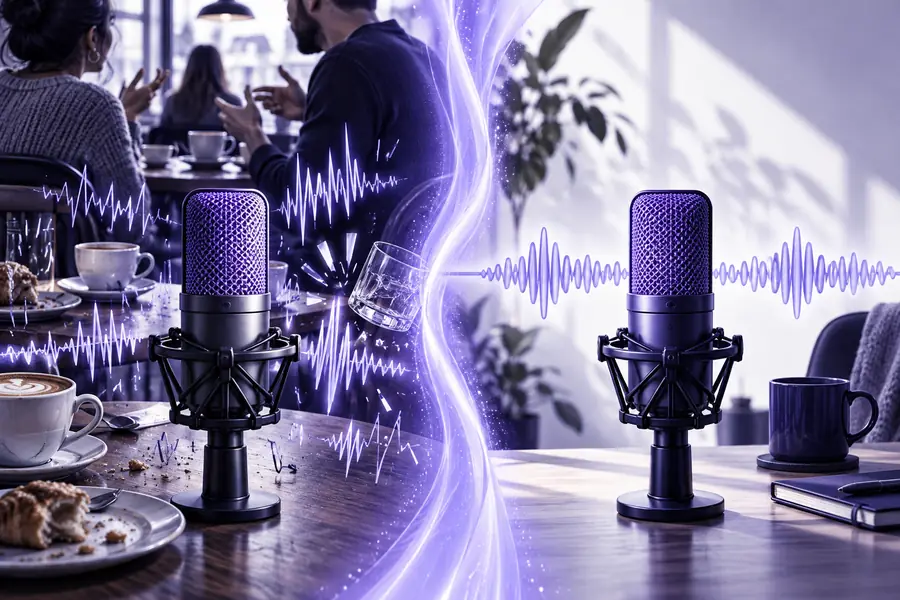
Noisier recording setup

Illustrative scene of a speaker recording near street activity
Illustrative scene of a speaker close to a microphone
Closer microphone setup

These images illustrate recording conditions, not an actual processed before-and-after sample. For your own audio, compare speech clarity as well as the remaining noise.

Make your next recording easier to hear

Check the voice, not just the noise

Try an audio cleaner on a copy of your recording, then listen for clearer words and unwanted changes. Keeping the original makes it easier to choose the better version.

  • Identify the distracting sound
  • Compare the same passage twice
  • Keep the clearer version

FAQ about cleaning background noise

It is sound captured behind the voice that makes listening harder, such as a fan, road traffic or people nearby. A steady sound and a sudden interruption call for different expectations when you assess an audio cleaner result.

Not reliably in every recording. Sound that overlaps speech may remain, while aggressive reduction can make the voice sound unnatural. Judge the result by whether the words are easier to understand.

Part of the voice may have been affected along with the unwanted sound. Compare quiet words and consonants against the original at a similar playback volume. If clarity is worse, keep the source or try a less aggressive approach if one is available.

Start by identifying a representative passage with speech and background noise, then check a quieter passage and the worst interruption. This gives you a fairer comparison than listening only to a silent gap.

Rerecord when important words are covered by another voice, a loud impact or severe distortion. Moving closer to the microphone and reducing the sound at its source may produce clearer speech than processing the damaged take.

Clean audio
Clean audio