Listen critically

Use audio cleaner examples free from before-and-after guesswork

These audio cleaner examples show what to check in a podcast, interview, lesson, or outdoor recording. They describe sensible goals, not guaranteed results: the original voice must remain understandable after unwanted sound is reduced.

Free to start · no signup
Audiocleaner landing image illustrating a spoken-audio recording

What this scenario must deliver

Treat each row as a listening brief: identify the interference, protect what matters, then compare the original with the result at the same playback volume.

Podcast host

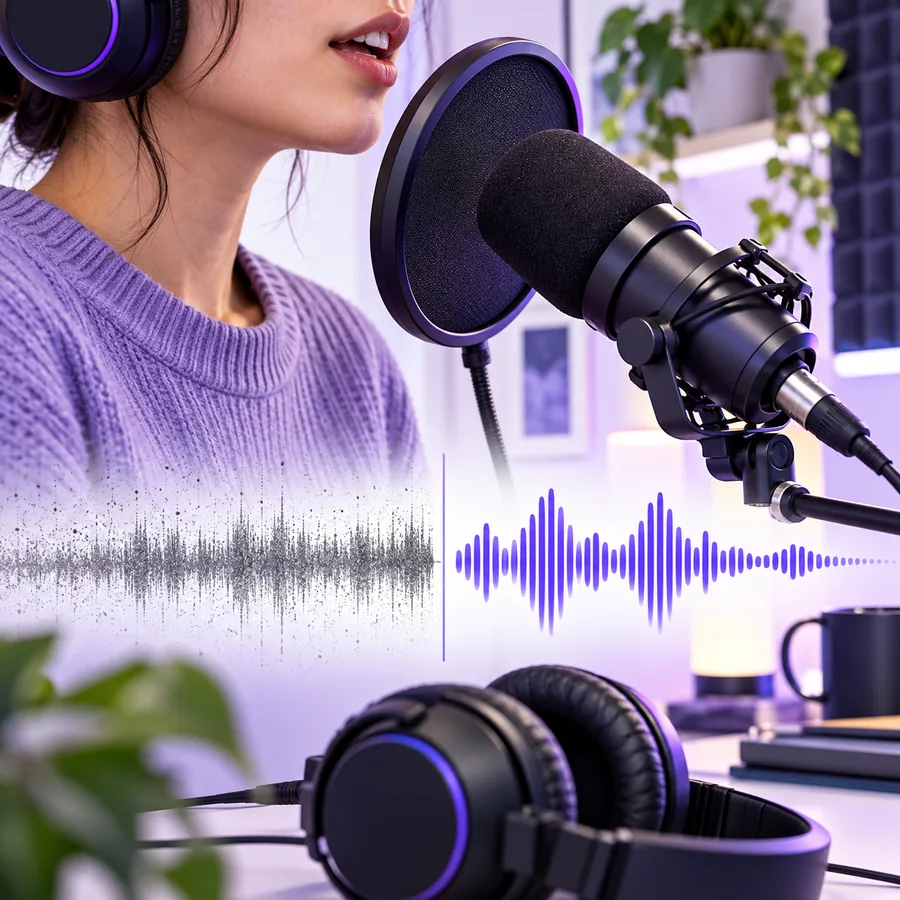
A desk microphone captures a constant computer fan beneath one speaker.

The voice stays full and intelligible; the fan becomes less distracting without hollow-sounding pauses. This is a useful audio cleaner example because the interference persists between words.

audio cleaner for background noise

Remote interviewer

A guest records in a hard room, leaving a noticeable tail after each sentence.

Speech sounds less distant, but the ends of words remain intact. If the room reflection overlaps the voice, some echo may remain.

remove echo from audio

Video creator

Dialogue is clear in quiet moments but competes with traffic in a street clip.

The speaker is easier to follow without claiming that every passing vehicle can disappear. Check the picture and soundtrack together before publishing.

remove background noise from video online

Field reporter

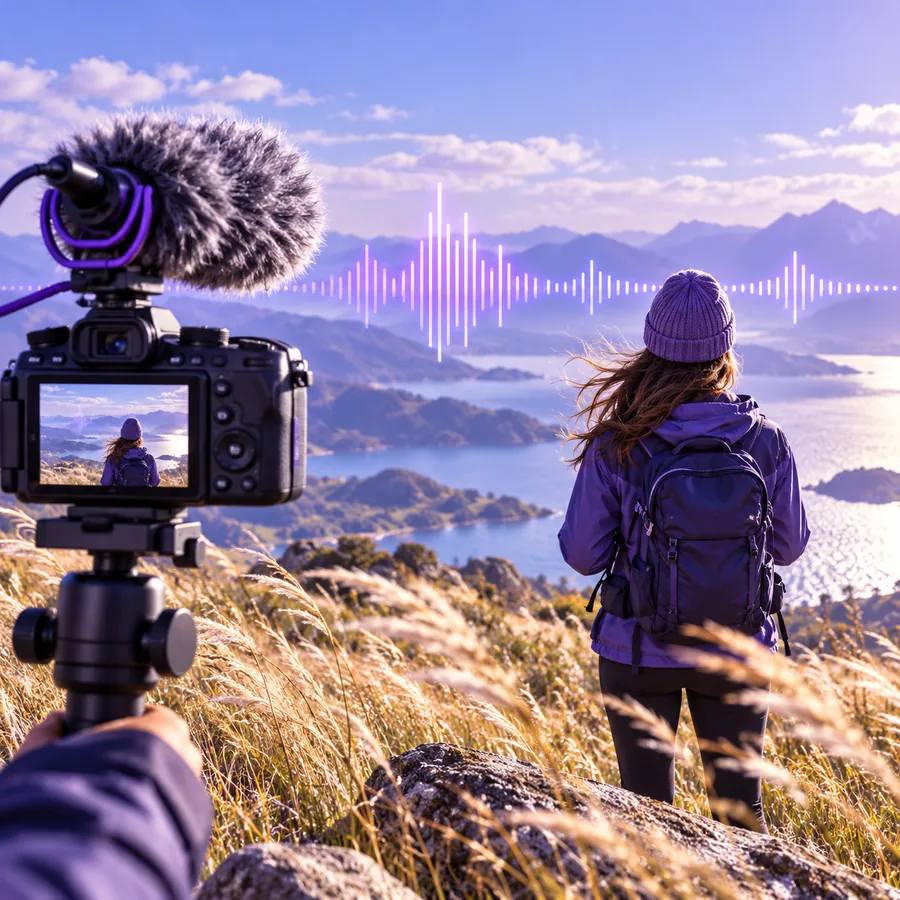
Wind brushes the microphone during an outdoor introduction.

Unaffected phrases retain their natural character. Severely buffeted syllables may need a replacement take rather than stronger processing.

remove wind noise from audio and video

Each item

Choose a cleanup approach by the sound of the problem, not by the recording's subject. The same interview can need different treatment in different passages.

1

The unwanted sound is steady, such as a fan or low electrical hum.

Compare a short quiet interval and a short spoken interval before accepting the result.

A quieter gap is not enough: aggressive reduction can thin the voice or blur soft consonants. Good audio cleaner examples make both intervals available for inspection.

2

The problem arrives in bursts, such as a door slam, wind hit, or passing vehicle.

Listen to the affected phrase on its own and decide whether a retake or an edit would be cleaner.

A burst can cover the same frequencies as speech. Turning up reduction may remove information the recording never captured clearly.

3

The voice sounds distant because of room reflections.

Judge clarity during speech and the decay immediately after it.

Shortening the apparent room tail is different from removing steady noise; pushing either too far can make speech sound artificial.

Quality bar

Use these three workflows as repeatable listening tests. None requires an invented improvement score or assumes that every damaged syllable can be recovered.

    • Steady noise

      Check a steady-noise voice clip

      Try voice cleanup

      Execution sequence

      1. Identify a short passage with a typical speaking level and a natural pause.
      2. Compare the same passage before and after cleanup at similar playback volume.
      3. Reject a quieter version if the speaker sounds metallic, muffled, or less intelligible.

      Start with ten seconds containing both speech and a pause. The pause reveals whether the fan recedes; the speech reveals whether vowels lose body or final consonants smear. Keep the original nearby for a level-matched comparison.

    • Room echo

      Inspect a reverberant sentence

      Check a voice clip

      Execution sequence

      1. Find a phrase with a clear ending and a short gap afterward.
      2. Listen to the tail, then to the consonants within the phrase.
      3. Keep the version that improves comprehension without cutting off word endings.

      Choose a sentence followed by silence. Listen for the reflection trailing the last word, then replay the middle of the sentence to confirm that the voice has not become clipped. A little natural room sound is often preferable to brittle dialogue.

    • Intermittent noise

      Review an outdoor introduction

      Review outdoor speech

      Execution sequence

      1. Note the timestamps of gusts and passing sounds.
      2. Check whether each important word is still audible in the source.
      3. Use a retake or edit when the source does not contain a recoverable phrase.

      Mark every wind strike before deciding what to process. Compare affected words with nearby clean words; if a gust masks a key name or number, consider recording that line again. Cleanup is not a substitute for missing speech.

    Common rework

    These illustrations represent input scenarios, not playable before-and-after audio. Each caption names the source to test and the mistake that would send the result back for another pass.

    • Example image representing a spoken recording for a steady-noise listening test Steady noise
      Input: a spoken clip with a persistent fan. Rework trigger: the pauses sound cleaner, but the speaker's quiet words become watery or indistinct. Compare speech and silence at matched volume
    • Example image representing an interview recorded in a reflective room Echo
      Input: an interview in a reflective room. Rework trigger: the room tail shortens, but sentence endings are cut off or the voice sounds unnaturally close. Check word endings and room decay
    • Example image representing an outdoor voice recording Wind
      Input: an outdoor introduction interrupted by wind. Rework trigger: a key word remains masked, even though surrounding audio sounds quieter. Check each affected word

    Try a recording of your own

    Bring the original into the comparison

    Audiocleaner helps you frame the listening test; the linked product is the place to try a voice recording. Keep your source file, compare at similar volume, and choose the result by intelligibility rather than silence alone.

    • Start with a short representative passage
    • Check speech as well as pauses
    • Keep a retake in mind for masked words

    Scenario FAQ

    The scenarios on this page are free to read, but the images are illustrations, not playable processed recordings. To evaluate a cleaner, use a short clip you can replay before and after processing. Check any access or payment terms on the linked product before submitting a recording.

    Both versions should contain the same passage and be played at similar volume. Listen to the unwanted sound, then focus on soft words, consonants, and the natural character of the voice. A louder processed clip can seem clearer without actually improving intelligibility.

    Begin with the passage that best represents the sound you most need to fix. Then inspect separate passages for echo, steady noise, and brief interruptions. One attractive before-and-after moment cannot show how the whole recording will hold up.

    Not reliably if the source sound completely masks that word. Cleanup may make surrounding speech easier to hear, but it cannot guarantee restoration of information absent from the recording. For an essential name, instruction, or number, a retake is the safer option.

    No special equipment is required to begin comparing clips. Use the same playback device and similar volume for both versions, then check a second device if the recording matters to your audience. Small speakers can hide low-frequency noise, while headphones may expose processing artifacts.

    Clean audio
    Clean audio